Wallpapers
Curated gradients, depth, and minimal compositions.
Give your Samsung a fresh, modern look inspired by the elegance of iOS—without giving up Android's freedom.
One coherent look across your home screen, icons, wallpapers, and widgets.
Curated gradients, depth, and minimal compositions.
A consistent visual language for everyday apps.
Clock, calendar, weather, and useful glanceable info.
These are design previews—not screenshots of a fully installed system theme. Some system areas are limited by Samsung software.
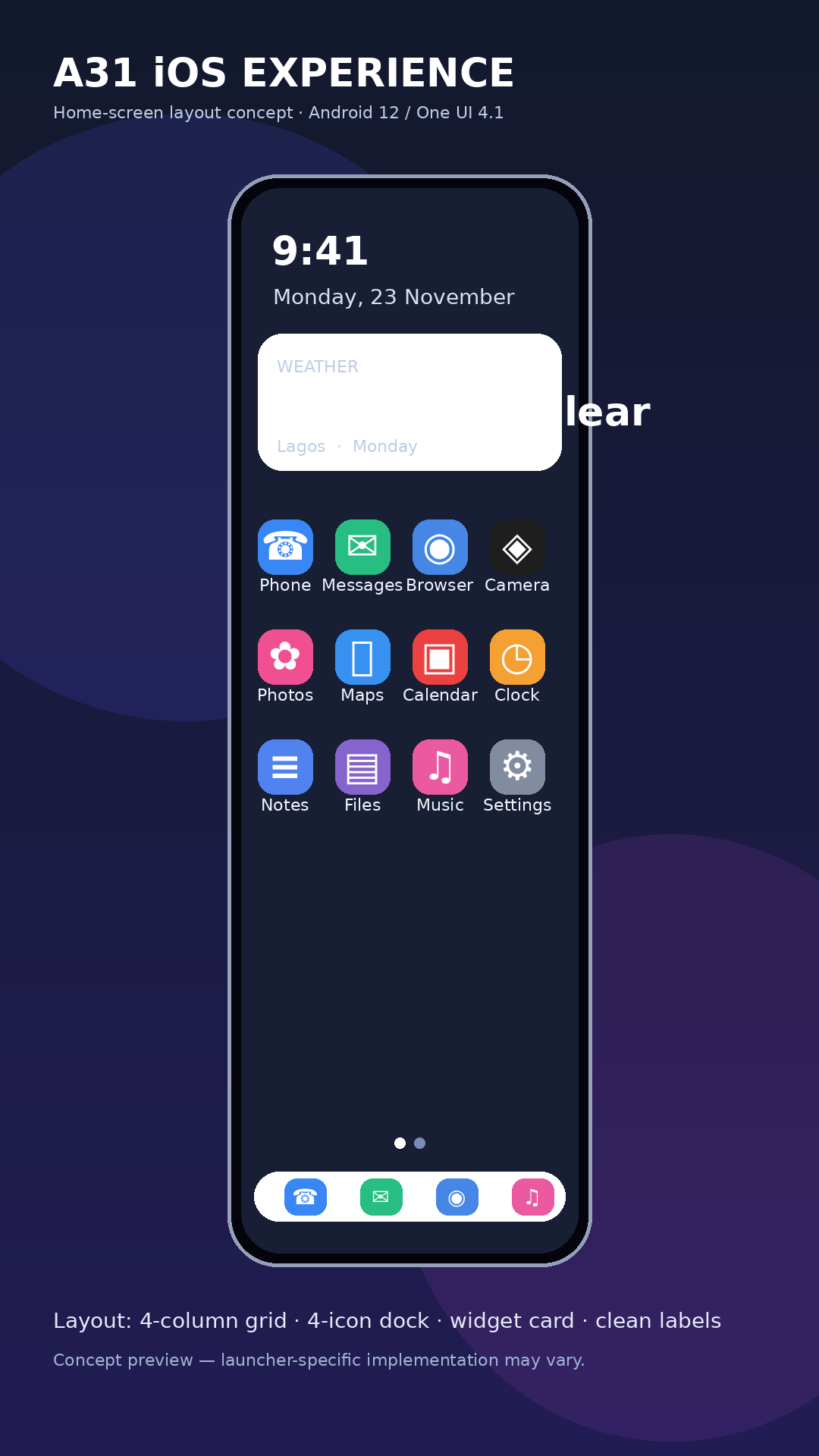
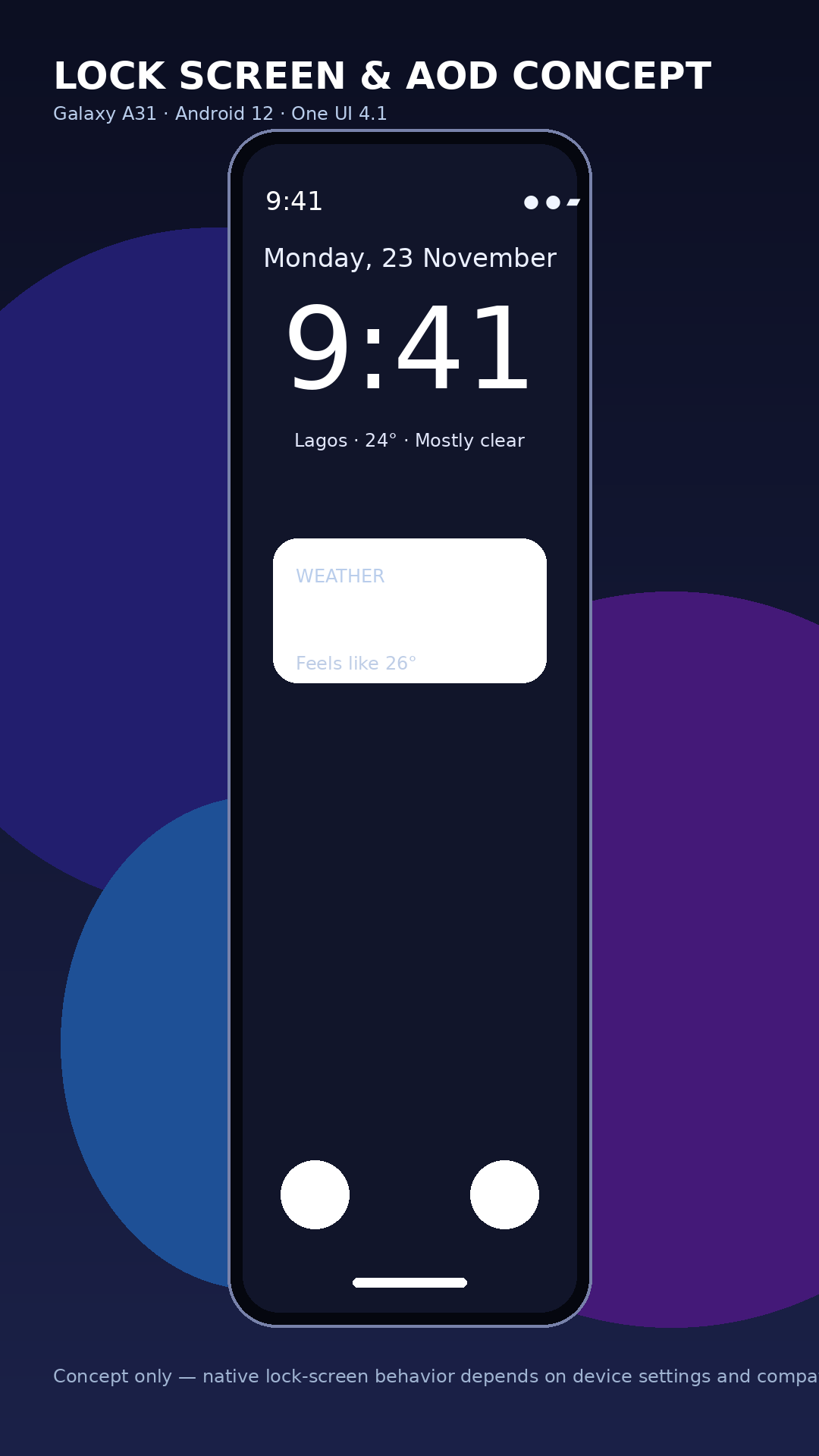
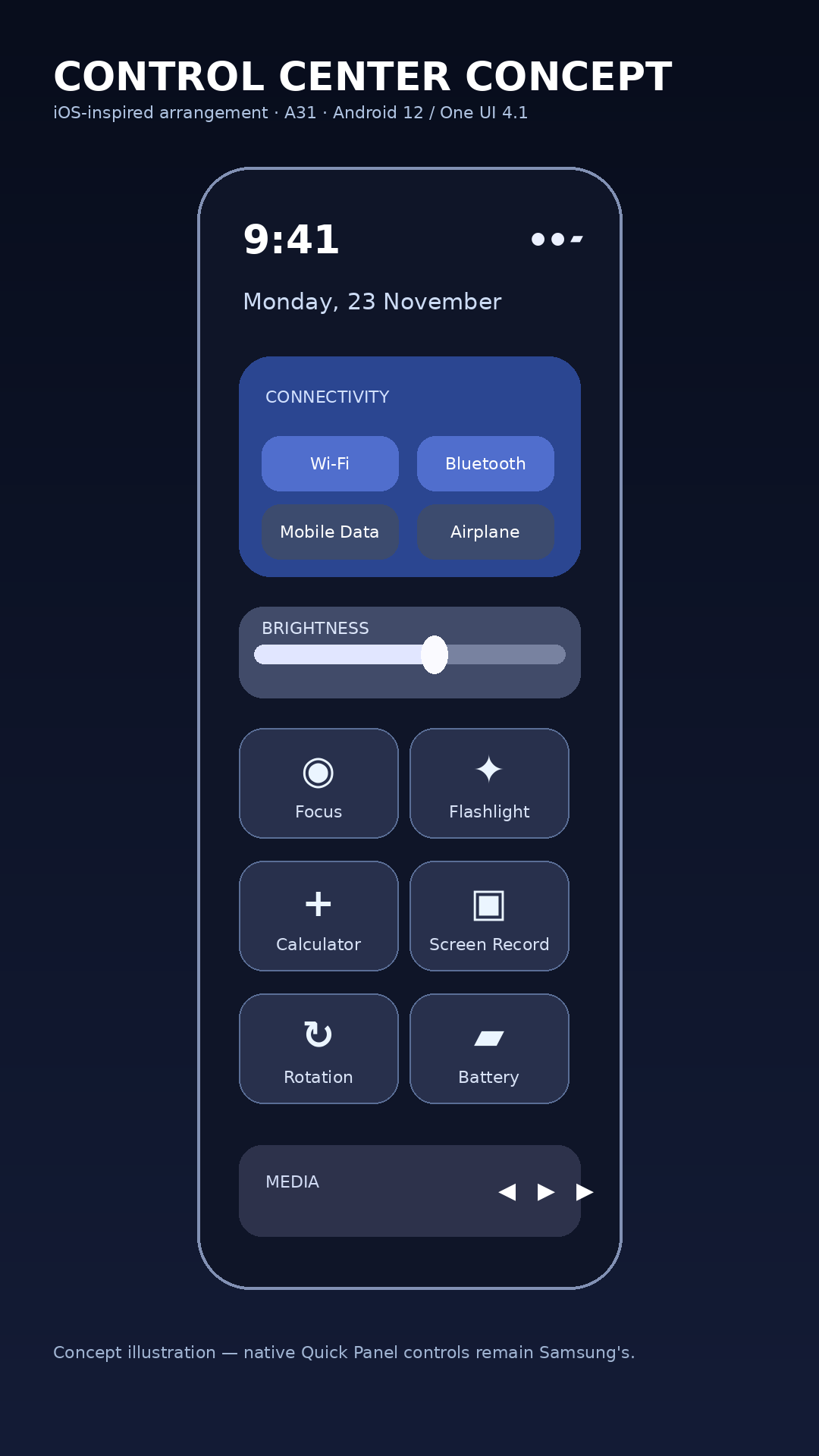
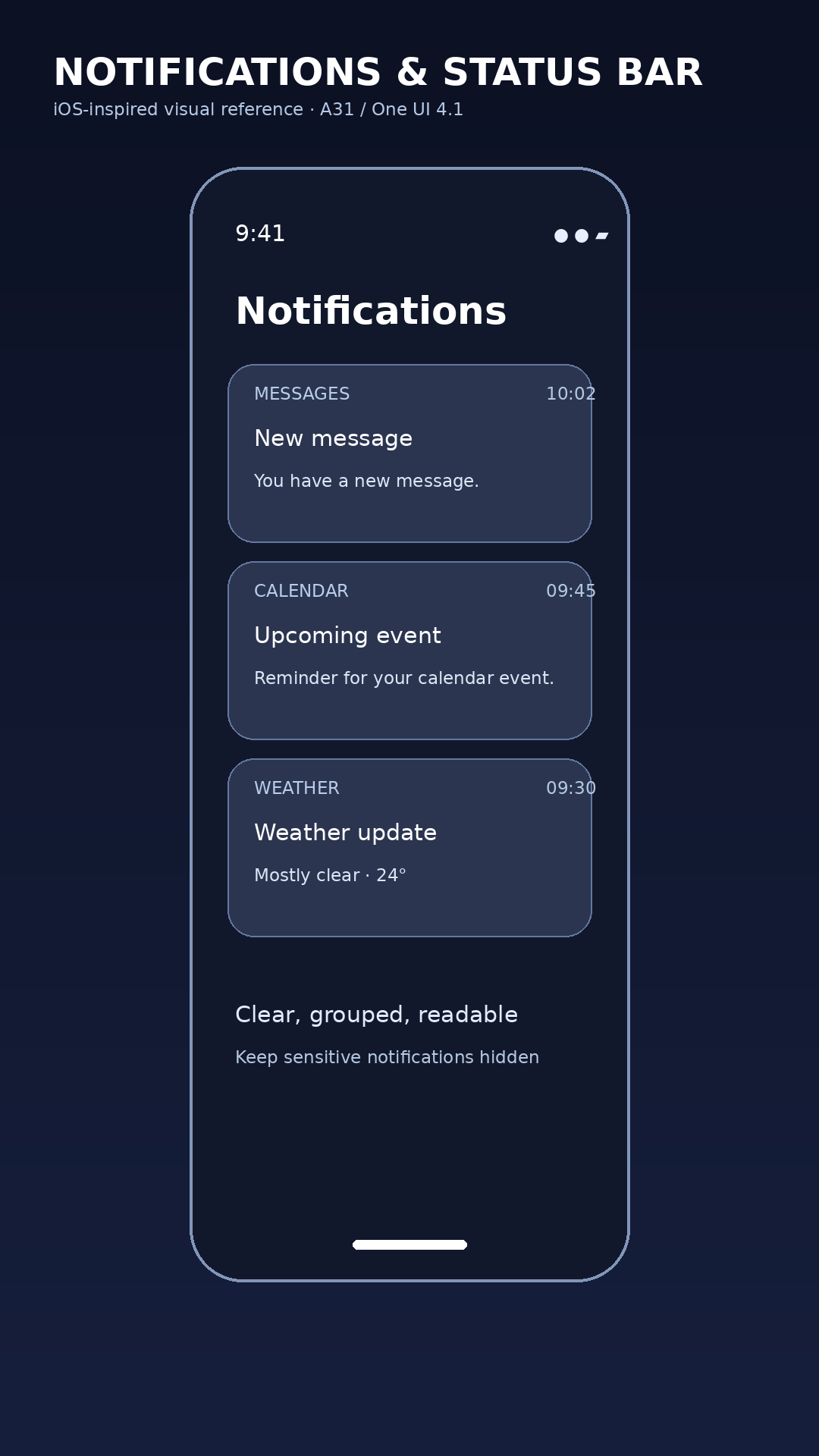
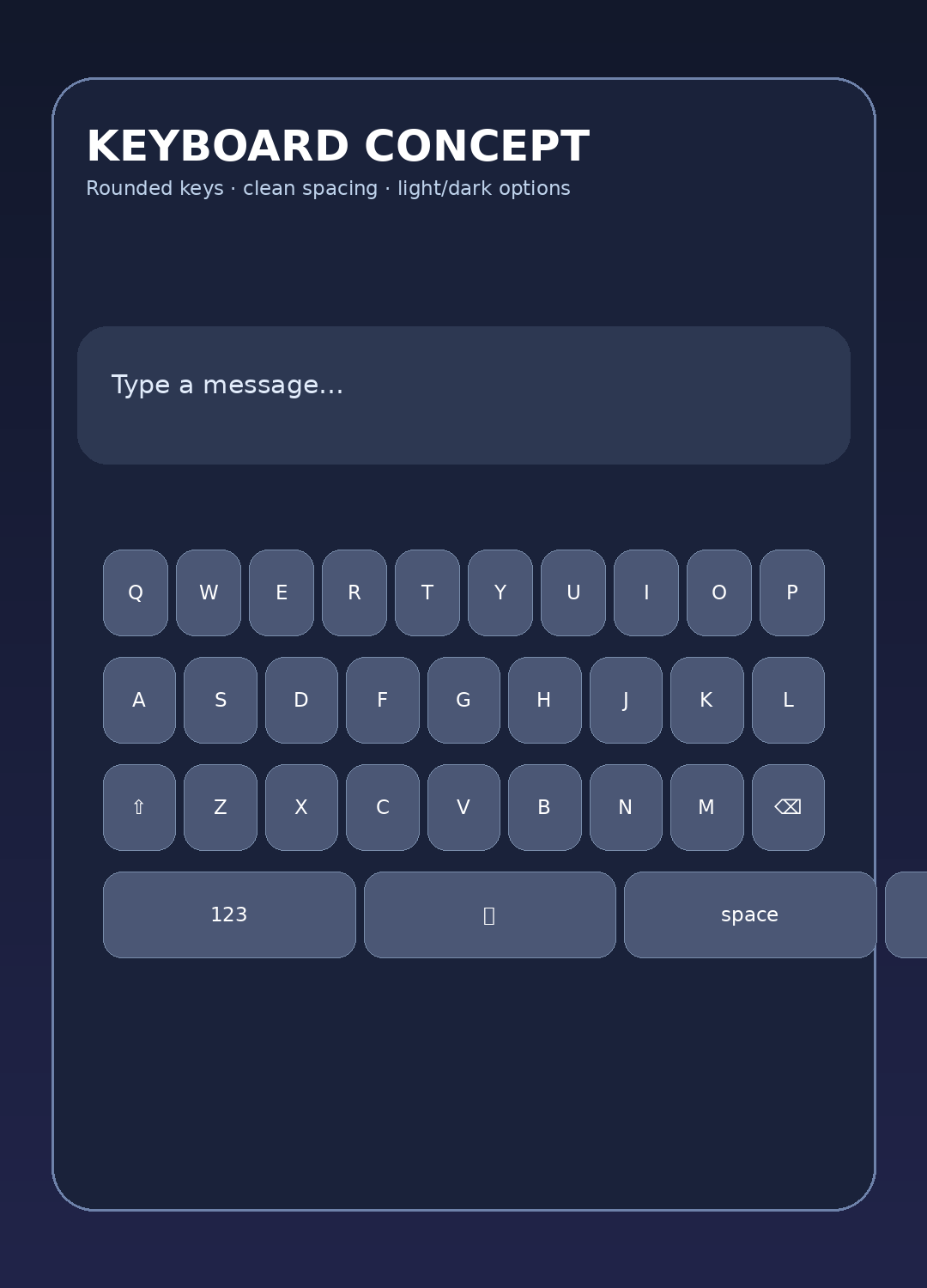
Current downloadable assets are available. These are design assets and guides—not a one-click APK or a fully tested system theme.
Light/dark wallpapers, 30 icon designs in PNG and SVG, layout guide
AVAILABLE · v0.5All current assets, concepts, setup guides, sounds and compatibility notes
RELEASE CANDIDATE · v0.54-column layout, dock, app arrangement and rollback instructions
INCLUDED IN ASSETS PACKSamsung-native lock screen and Always On Display configuration
INCLUDED IN RCRelease candidate assets are available now; device-specific installation components remain untested. This site is an independent community project and is not affiliated with Apple or Samsung.
We’ll test the first release on the Samsung Galaxy A31 and document what works, what requires a companion app, and what isn't possible without system modifications.
Read the install guide ↗Designed around Samsung Galaxy A31 running Android 12 / One UI 4.1. Menus may vary slightly by software version.
Swipe down twice and use Edit buttons to reorder or remove available tiles. Samsung’s notification shade, status bar, dialogs and system panels cannot be fully replaced by this asset pack without system-level modifications.
No root is required for the steps above. This project does not install firmware, change Android versions, or provide a full iOS system replacement.
No. This is a visual customization project, not an Android firmware update. It does not add newer Android system features or security patches.
Our first release is planned around non-root customization. Some visual elements may be limited by Samsung's software.
Not necessarily. Compatibility will be listed for each release. We are starting with the Galaxy A31 and may expand after testing.
No. It is an independent customization project inspired by modern mobile design. It is not affiliated with Apple or Samsung.